For masjids and Islamic organizations, everywhere
Live in 10 minutes.
Built for your masjid.
Prayer times, announcements, and giving — on the TV already on your wall. Set it up before Maghrib.


Qiblify+ for your community: prayer times, qibla, Quran and giving to your masjid.
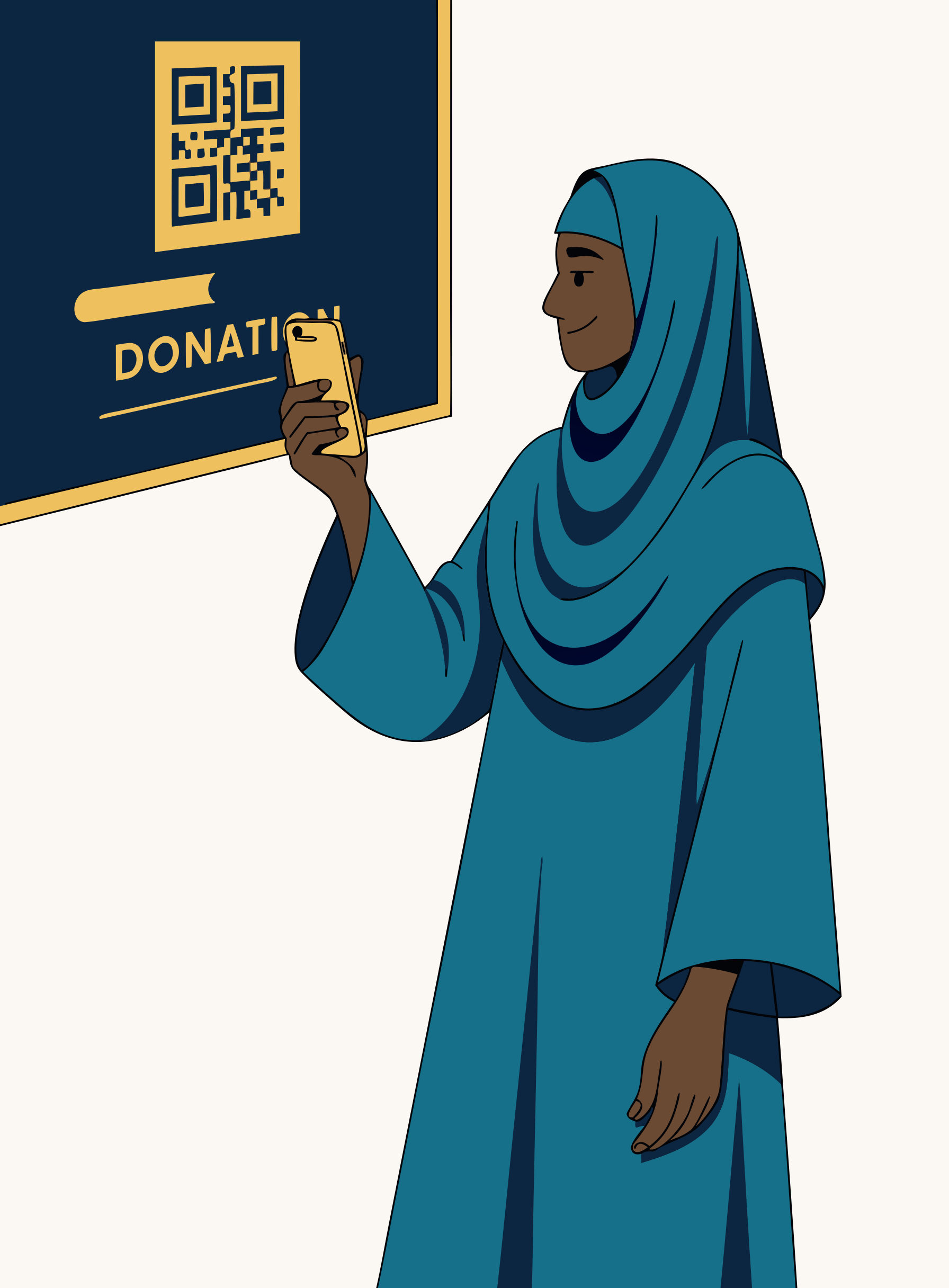
- Works on the TV you already own
- Prayer times from your exact location and method
- 30-day free trial · cancel anytime
Who it’s for
Built for masjids and Islamic organizations.
The word that rotates in the headline is the point. Pick who you are; the screen carries what your community actually needs.
 Masjids
- Prayer times
- Iqamah override
- Jumu'ah times
- Building fund
- Ramadan nights
- Emergency notice
 Islamic centers
- Announcements
- Programme schedule
- Donation campaigns
- Multiple screens
- Volunteer roles
 Quran schools
- This week's schedule on the screen
- Announcements to parents
- Term fundraisers
 Nonprofits
- Campaign progress
- QR and kiosk giving
- Instant receipts
- Committee reports
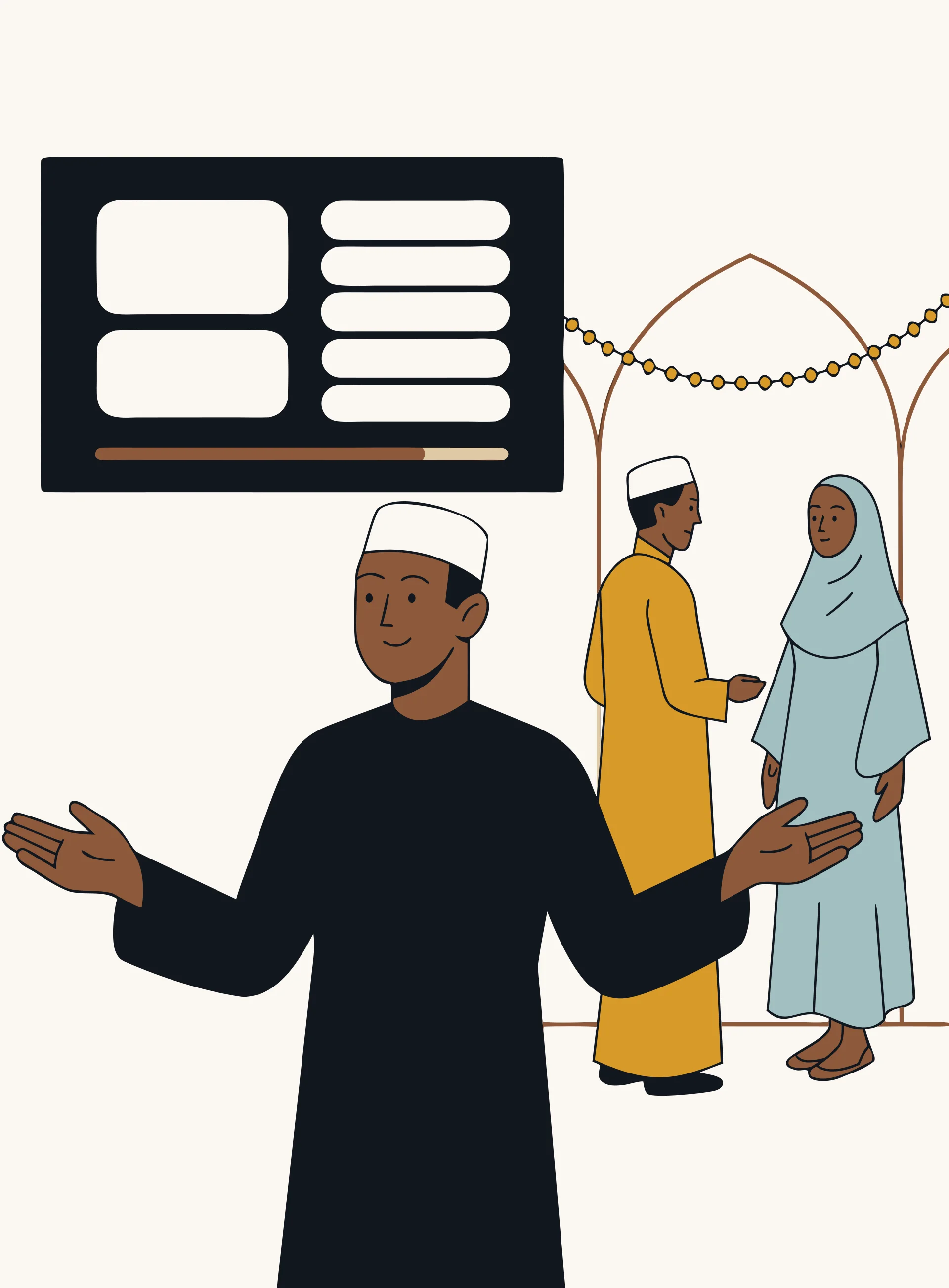 Events
- Programme on the screen
- Speaker and session announcements
- Fundraising with a live progress bar
- QR giving from any seat
- Urgent notices
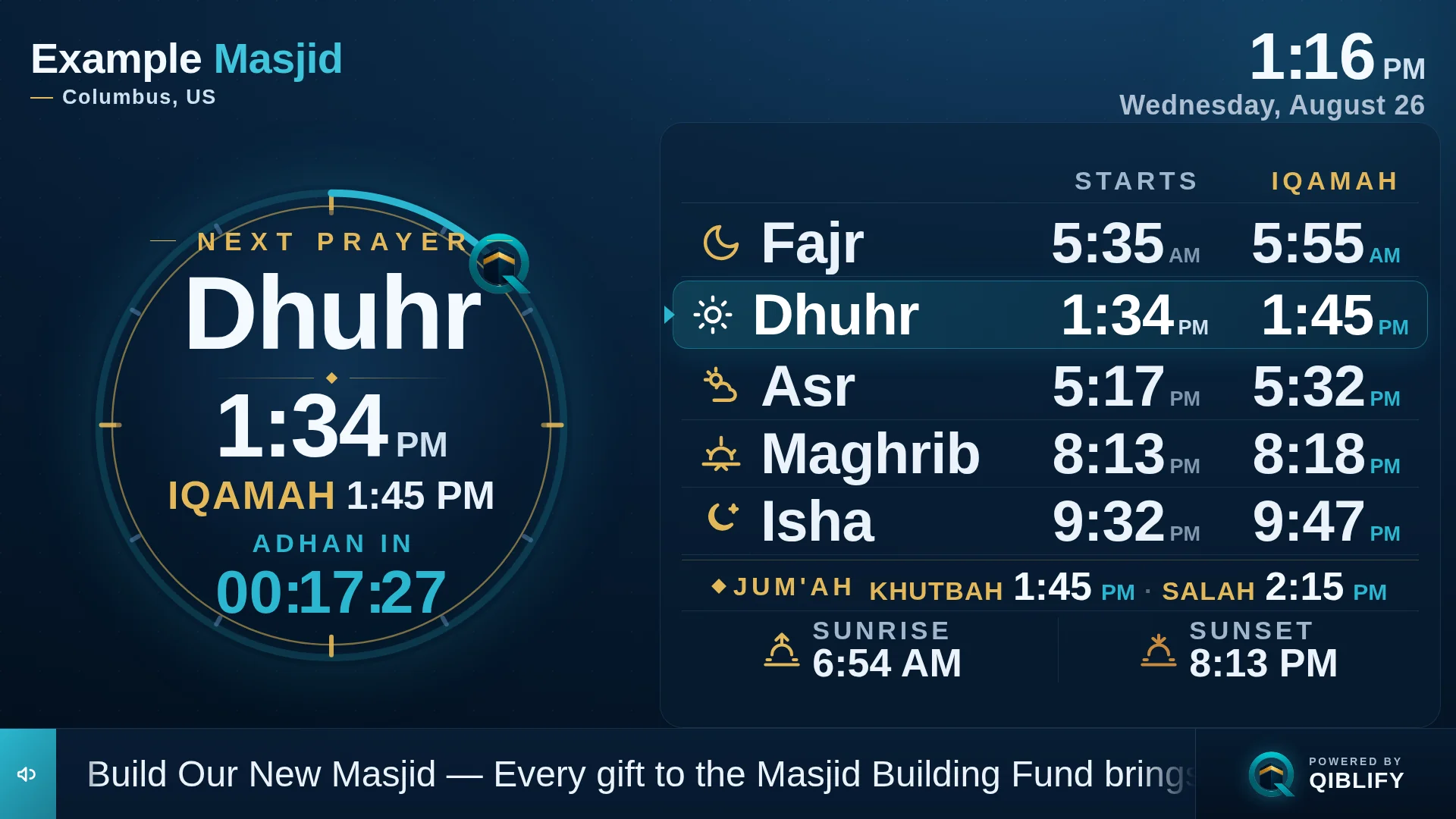
The screen
One screen. Everything the community needs.
Prayer and iqamah times from your own calculation method. This week's announcements. The Ramadan countdown. A janazah notice, on every screen in thirty seconds. You pick the screen type, enter the details, and it is on the wall — branded to your organization, in your colours.
Prayer times are never guessed: they come from your exact location and calculation method, and the imam can adjust any iqamah from the dashboard.
See every screen type →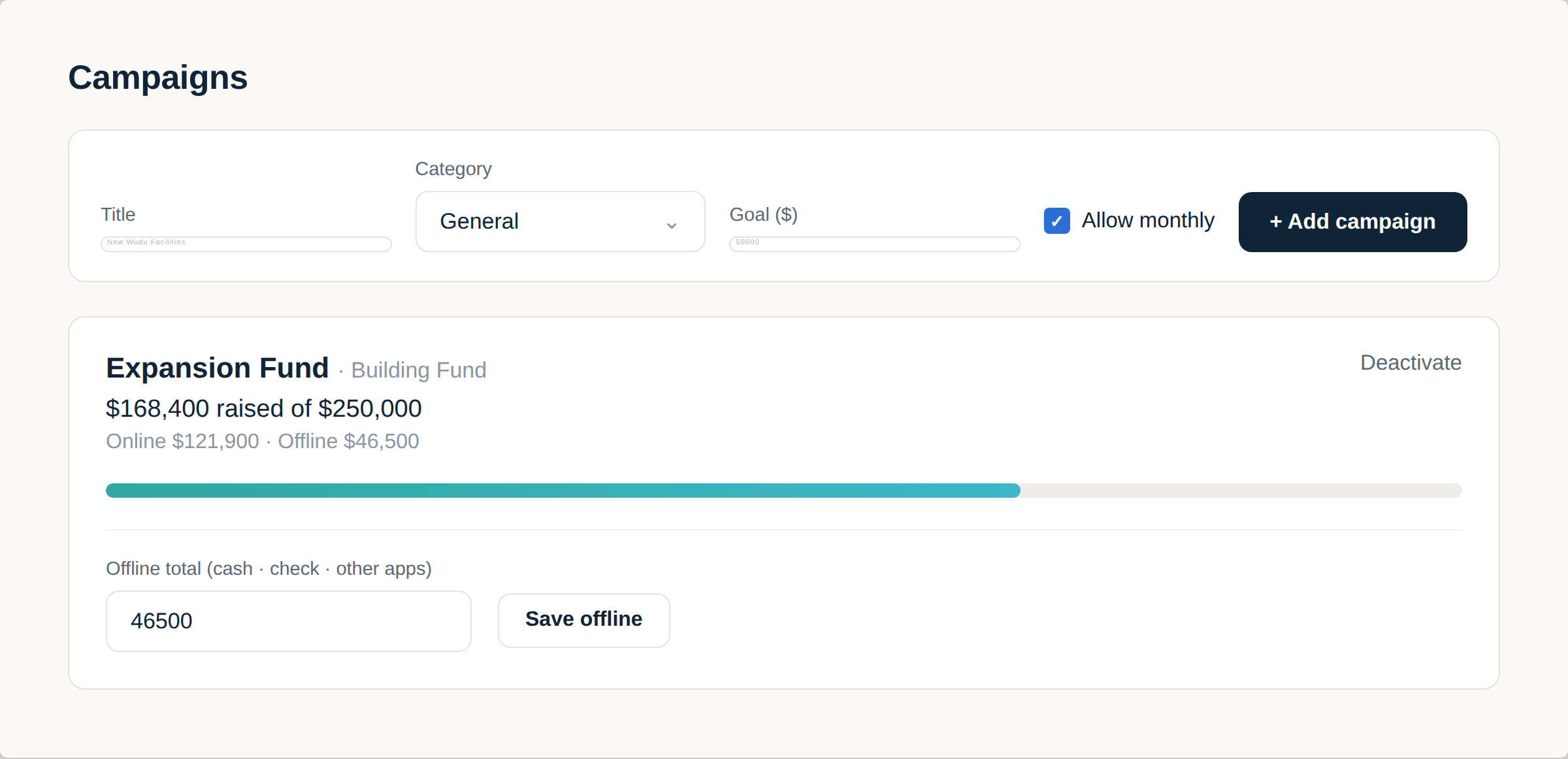
Giving
From "we should give" to given — in one scan.
A QR code on the screen. A link in the group chat. A campaign bar that moves as gifts arrive, and monthly giving that quietly carries your organization through the year. Every gift lands directly in your organization's own account — Qiblify never holds the money.
Donors get an instant receipt, and any donor can request their year-end tax statement themselves — no chasing spreadsheets. Most donors choose to cover the processing costs, so your organization receives the full gift. Declining is one tap, always visible.
Every way to give →Hardware, if you want it
Plug it in. It finds your screen.
The Qiblify Stick arrives configured for your organization. HDMI in, power on — your screen is on the wall. No remote-control setup, no app store, no IT volunteer needed.
$99, one time · optional — any TV with a browser works too.
Compare devices →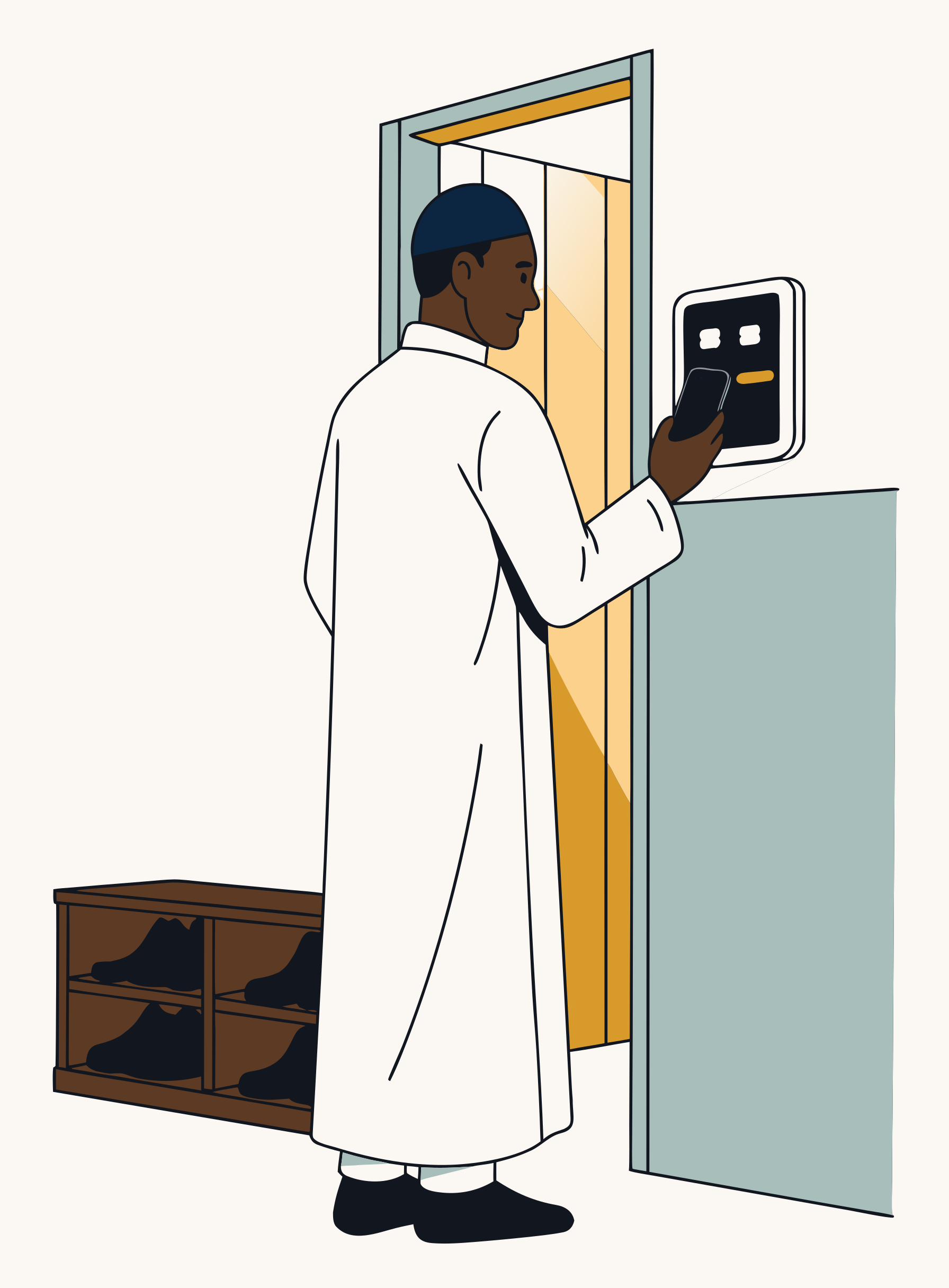
At the door
The sadaqah box, thirty years later.
A tap-to-pay kiosk mounted by the entrance. Choose a fund, choose an amount, tap a card or a phone — done before the shoes are on. Every tap goes straight to your organization's account, receipted.
Coming soon · it will work alongside the QR and the link — same funds, same reports.
See the kiosk →
 Your Masjid— Minneapolis, US
ANNOUNCEMENT
Sisters’ halaqa moves to the main hall this Saturday.
After Maghrib · childcare available · all welcome.
Who keeps it updated
Updated from a phone, between salahs.
The imam fixes an iqamah. A volunteer posts Saturday’s class. The treasurer checks this month’s giving. Everyone gets their own login and sees only what their role needs — no shared passwords, no laptop required.
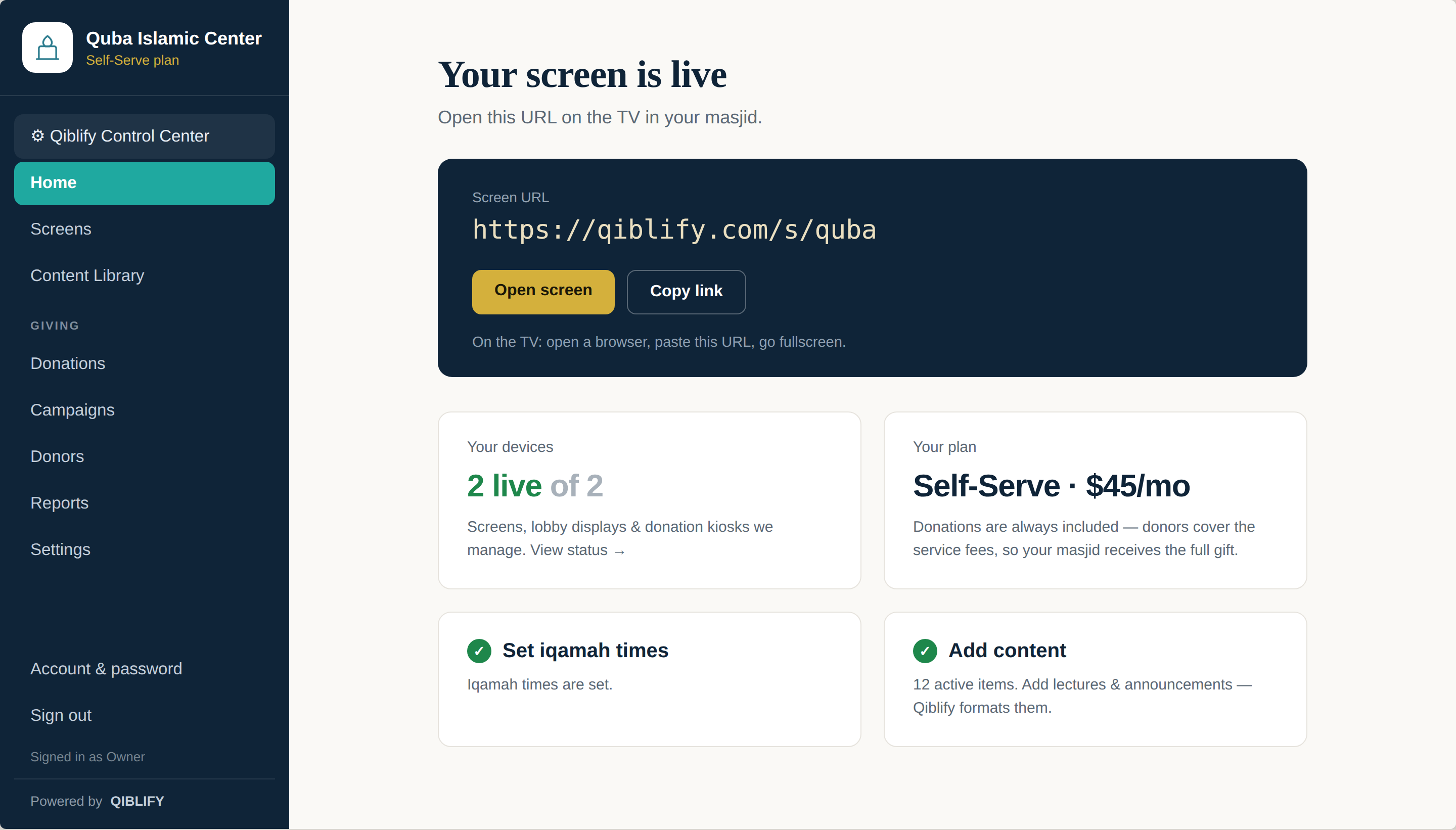
The dashboard
Simple enough for a Sunday volunteer.
This is the Qiblify admin — the same one your board would use, shown here with a demo organization. Change a slide, adjust an iqamah, watch a campaign move. If you can post a photo in the family group chat, you can run this.
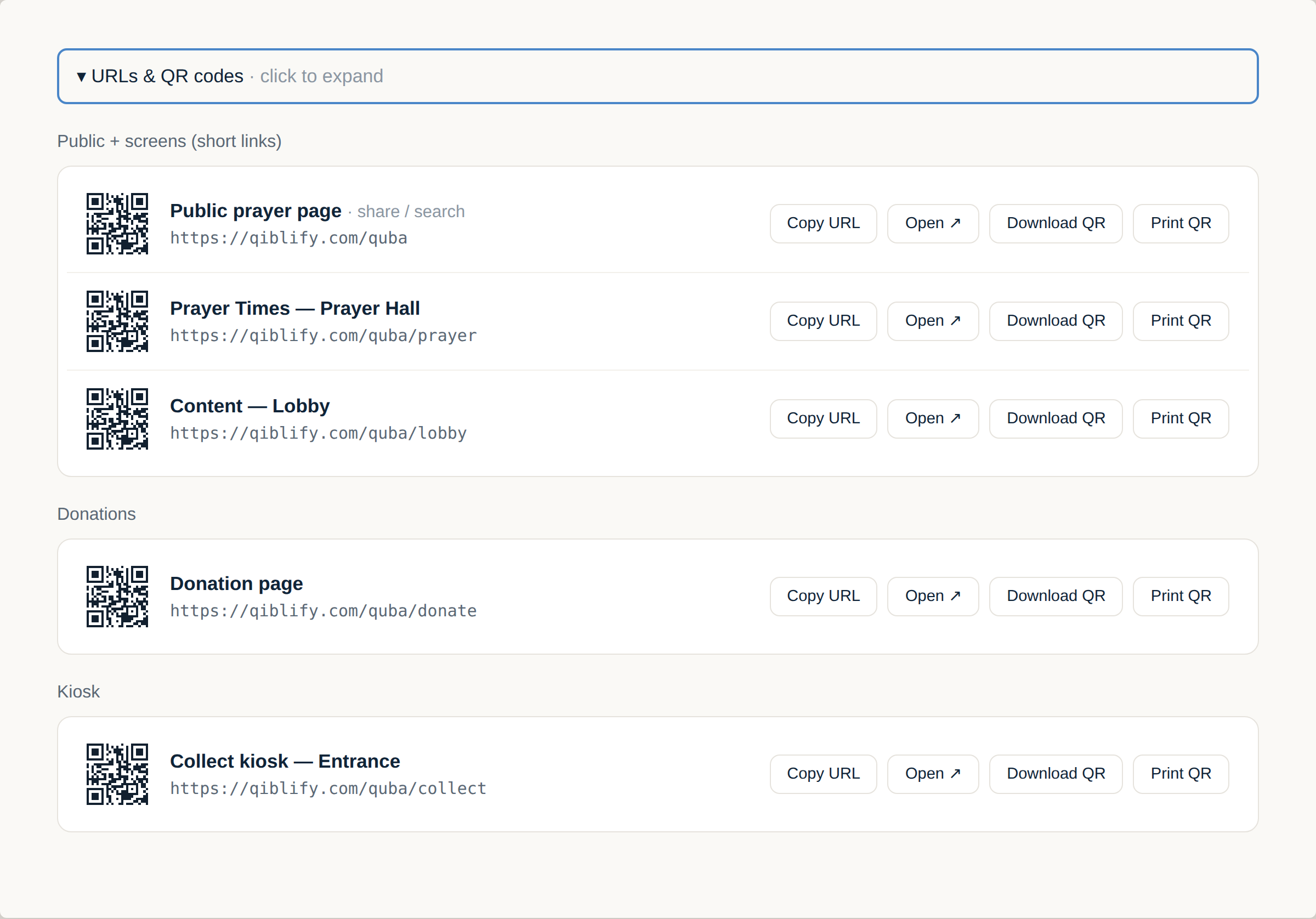
Your links & QR codes
One permanent code for every way in.
Every organization gets its own permanent QR codes — for the public prayer page, each screen, and the donation page. Each one can be copied as a link, downloaded as a PNG, or printed as a ready-to-post sign with the address underneath.
Print it once and put it where people already look. The code never changes, even as everything behind it does.
You have seen the screen and the dashboard behind it.
Ten minutes from now, this could be on your wall.
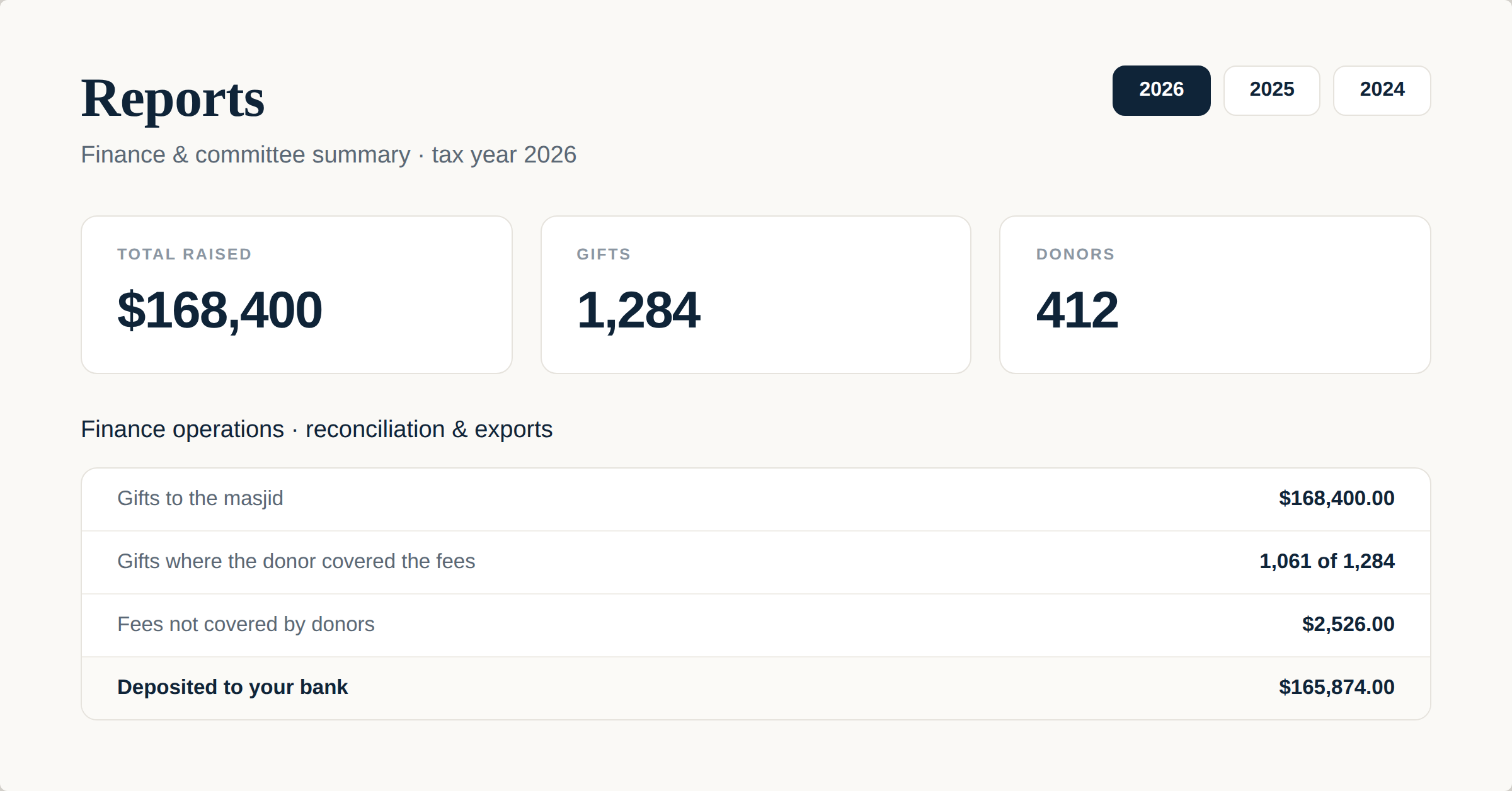
For the treasurer
The year, reconciled to the dollar.
Gifts in, fees, and what was deposited to your bank — in dollars, reconciled against actual settlements. The report also shows how many donors chose to cover the fees, so the board sees exactly why your organization received what it received.
Everything on, at one price
What your subscription switches on.
Auto-built layouts
Pick a screen type, enter minimal info, publish. The layout is composed for you.
Learn moreYour logo and colours
Every screen carries your organization's branding, not ours.
Aladhan prayer times
Calculated for your exact location and method. Never AI-generated, never guessed.
Iqamah override
The imam sets iqamah and Jumu'ah times himself, and can override any of them.
Announcements and emergencies
From a janazah notice to a schedule change — on the wall in moments.
Multiple screens, one dashboard
Musalla, lobby, sisters' side — each screen its own content, managed in one place.
Straight talk about money
Where does every dollar go?
Donations settle directly into your organization's own account at Stripe — Qiblify never holds funds, never touches the balance, never sees a card number. Most donors choose to cover the costs, so your organization receives the full gift; if a donor declines, that is their right, stated plainly. Here is the arithmetic, in dollars.
An assumption to start from — drag or type your organization’s real number.
Also an assumption — it matters because processing includes a flat per-gift amount.
- Lands in your organization’s account — donors cover the costs
- $5,000every gift arrives whole, to the cent
- If your organization absorbed the costs instead
- $4,750processing and platform costs come out of the gifts
- Qiblify subscription that month
- $29the only cost above, per-gift costs are already in the figures
- Hardware, first year
- $0using the TV you already own
Donors covering the costs keeps $250 in your organization’s account every month — and the choice is always the donor’s.
$5,000 raised, $5,000 received when donors cover the costs, $29 to run, nothing to buy.
What the fees come to, in dollars
- On a $25.00 gift: $1.46 in fees — the donor pays $26.46, your organization receives $25.00.
- On a $50.00 gift: $2.62 in fees — the donor pays $52.62, your organization receives $50.00.
- On a $100.00 gift: $4.92 in fees — the donor pays $104.92, your organization receives $100.00.
Assumptions, all adjustable above: $5,000 given monthly, in gifts averaging $50, paid by card in the US. Fees are one combined amount — card processing and Qiblify’s share together — computed the same way the donor checkout computes them. When a donor covers the costs your organization receives the full gift to the cent; any donor may decline, and that gift then nets what the “absorbed” figure shows.
The model, plainly
Where the money goes: to your organization.
We publish our pricing. A real person answers. Nobody signs a contract, and the money never passes through us. That is the whole model — compare it with anyone.
| Monthly price | from $29 |
|---|---|
| To start | the TV on your wall |
| Who holds donations | your organization's own account |
| Contract | none |
Pricing
One price. Everything on.
Qiblify Pro
$29/month
No contract · 30-day free trial
Includes your first screen; each additional screen is $20/month. Qiblify Give, monthly giving, instant donor receipts, year-end statements, your dashboard and team roles.
Qiblify Managed
+$49/month
No contract · 30-day free trial
We set up your screens and content, and update them on request — announcements, seasons, campaigns. You send us a message; we update the screen.
Qiblify Stick $99, one time — optional. Qiblify Kiosk coming soon. Compare devices

Who built this
Built in Minneapolis, for the community down the street.
Qiblify is built by Farhan — one Muslim developer in Minneapolis who watched his own masjid juggle a paper timetable, a donation box, and a WhatsApp group, and decided the deen deserved better software. The first screen runs at a masjid in Minneapolis today. When you reach out, it is Farhan who answers.
Questions boards actually ask
Before you bring it to the meeting.
Is there a contract?
No. Qiblify Pro and Qiblify Managed are monthly or yearly, and you can cancel anytime online — your plan ends at the end of the period you have paid for. New plans start with a 30-day free trial.
Where do donations actually go?
Directly into your organization's own Stripe account. Qiblify never holds the money. Receipts are automatic, and donors can request their year-end statement themselves.
What do we need to buy?
Usually nothing. Any TV with a web browser works. The $99 Qiblify Stick is for organizations that want plug-and-play.
Who changes the screen every week?
Whoever you choose — imam, volunteer, or us. On the Managed plan you send a message and we handle it.
Is our data ours?
Yes. Your community's data belongs to your organization. We never sell it or use it to market to your donors.
Do prayer times come from AI?
No. Times come from established calculation methods for your exact location, and your imam can override any iqamah.
Put it on the wall before Jumu’ah.
Ten minutes. The TV you already own. A screen your community will actually read.