Screens
Every screen type, one subscription.
Pick a type, enter the details, publish. Each one is branded to your organization — your logo, your colours — and readable from the back of the hall.
 Your Masjid— Minneapolis, US
— NEXT PRAYER —
Maghrib
8:16 PM
IQAMAH 8:22 PM
STARTS IN
02:47:41
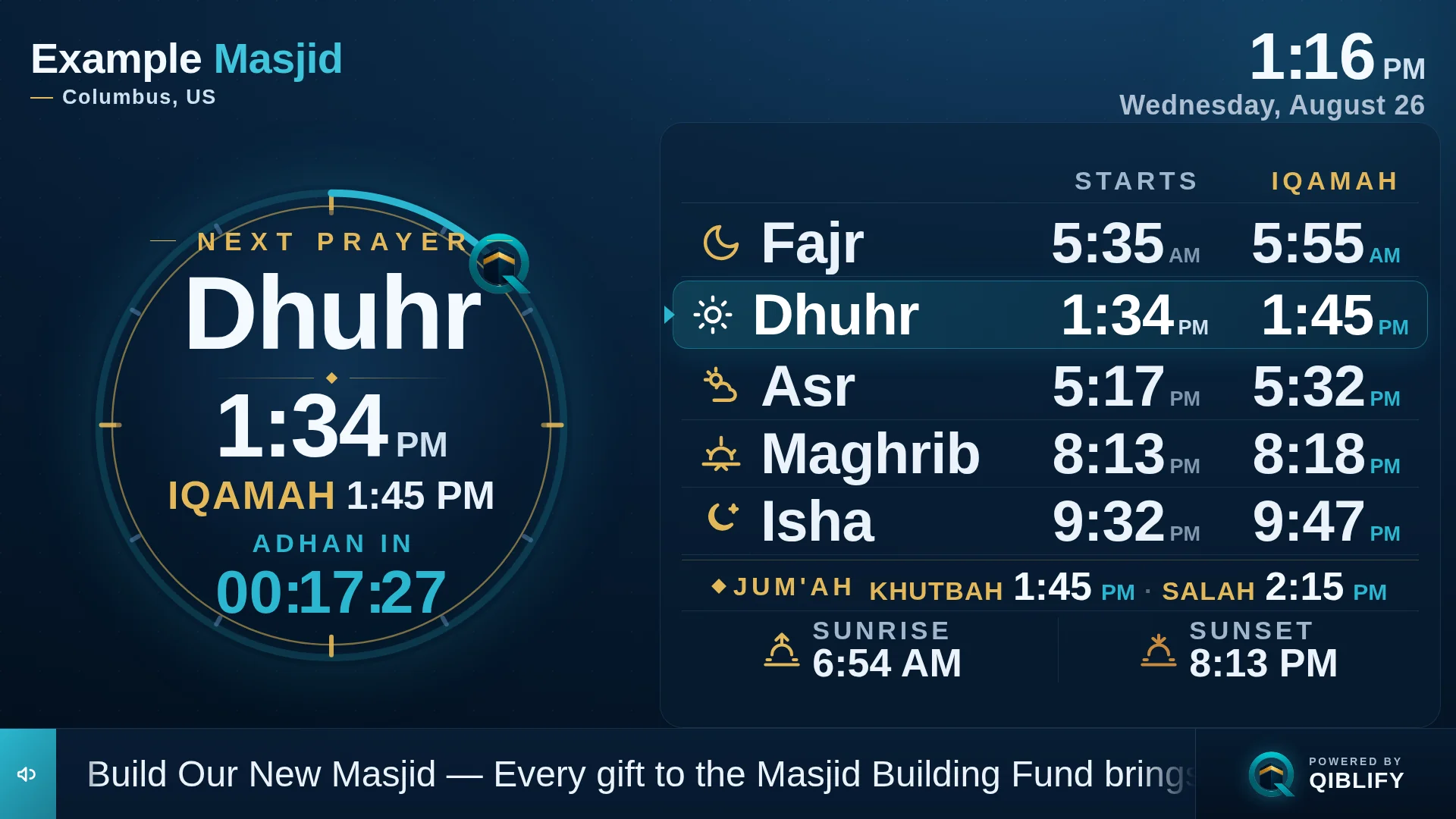
Prayer times
The board everyone checks on the way in.
Adhan and iqamah for all five prayers, Jumu'ah khutbah and salah, sunrise and sunset — with a countdown to what is next. Times come from your location and calculation method, and the imam can adjust any iqamah.
During salah the screen goes respectfully dark, then returns on its own.
Your Masjid— Minneapolis, USCAMPAIGN
Masjid Building Fund
no app to download.
Donation campaign
The campaign, moving in real time.
The goal, the progress, and the donor count — updating live as gifts arrive. When someone gives from the QR, the bar moves while they are still in the room.
Your Masjid— Minneapolis, USCAMPAIGN
Masjid Building Fund
no app to download.
Prayer + giving
Prayer times and giving, side by side.
The everyday screen for most organizations: times on one side, the live campaign and a scannable QR on the other. No app for the congregation to download — a phone camera is enough.
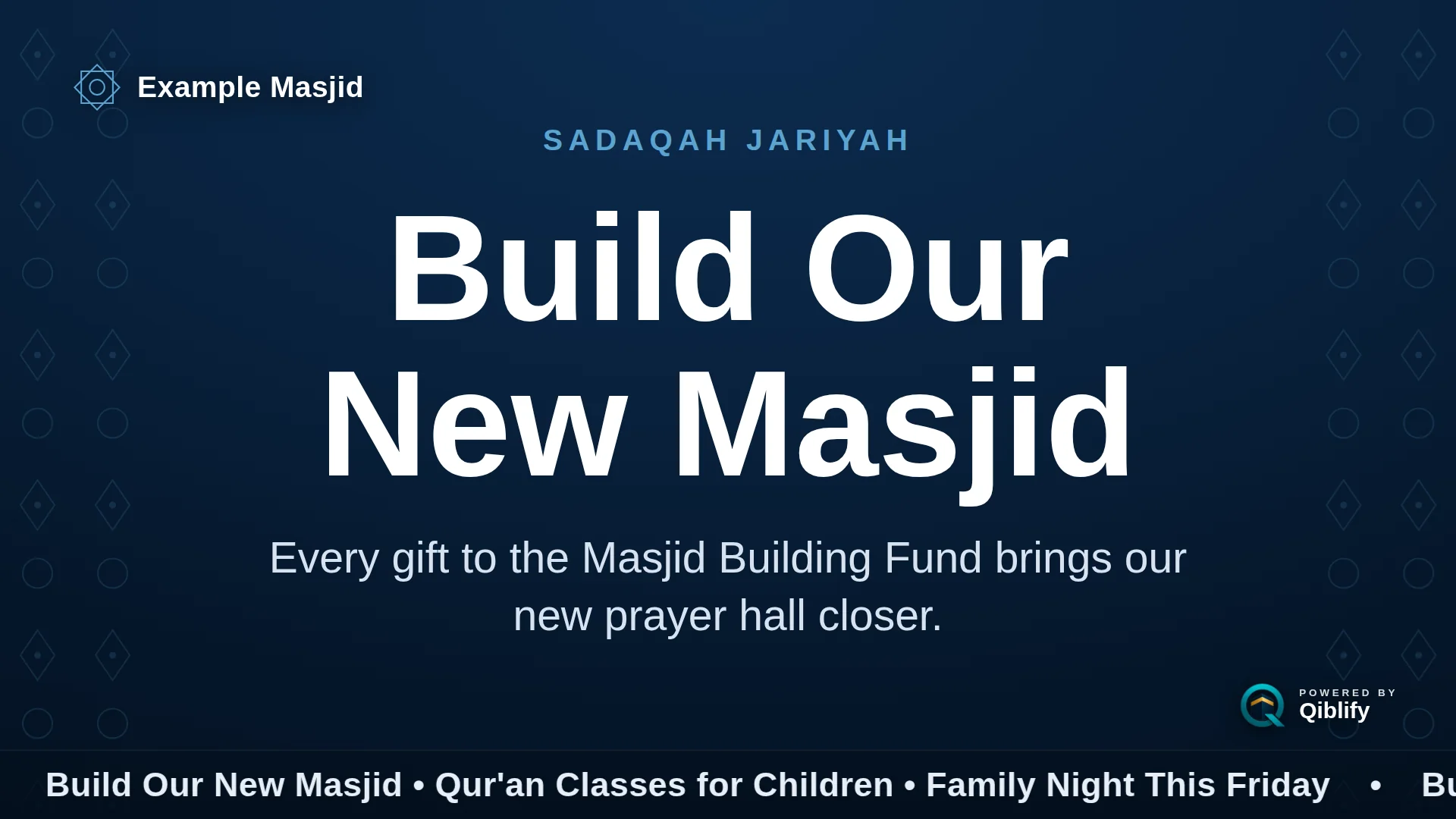
Announcements
One message, read from the back row.
A class moved. A guest speaker arrived. The parking rules changed for Eid. Type it once and it is on the wall — large, calm, and readable.
Your Masjid— Minneapolis, USRAMADAN · NIGHT 27
Iftar in 01:12:09
CAMPAIGN
Masjid Building Fund
no app to download.
Ramadan
The month deserves its own screen.
Suhoor and iftar countdowns, Taraweeh time, the night counter, and your Ramadan campaign — all in one view.
Your Masjid— Minneapolis, USANNOUNCEMENT — TODAY
Janāzah after Dhuhr
Please remain for the prayer · burial to follow
Urgent notice
A janazah notice, on every screen in thirty seconds.
Some announcements cannot wait for a volunteer with a laptop. Type the message on a phone and every screen in the building carries it — high contrast, immediately.
Your Masjid— Minneapolis, USWEEKEND CLASSES
Class announcements
Dugsi and halaqa announcements, on the wall.
Weekend Qur'an classes, Arabic for kids, the sisters' tafsir circle — post the week's schedule as an announcement from a phone, instead of a paper on the door.
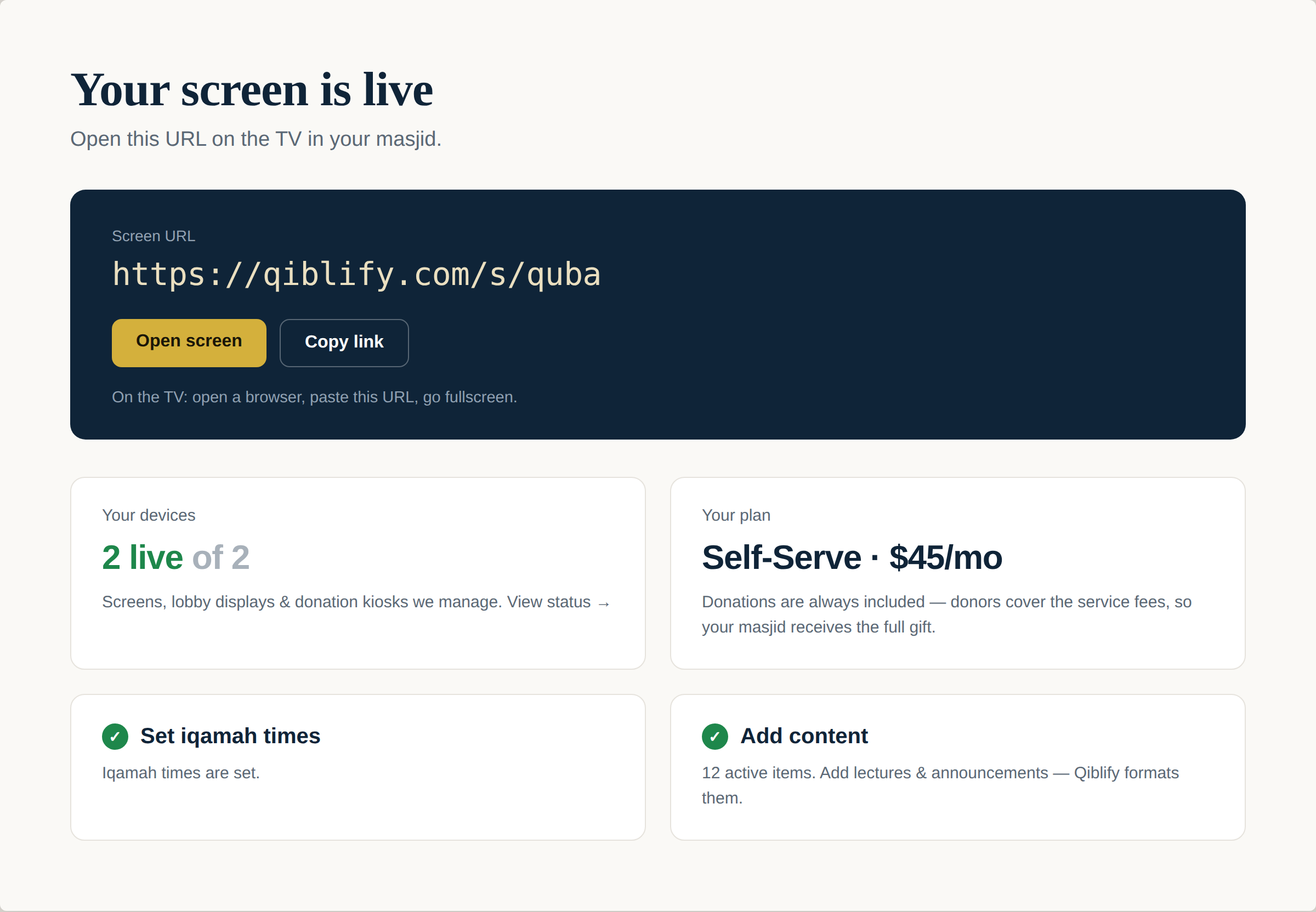
Setup
Live before the kettle boils.
Sign up and the admin opens on one thing: your screen's address, with Open and Copy one tap away. Open it on the TV, go fullscreen, done — and the checklist walks a volunteer through iqamah times and first content.
Auto-branding
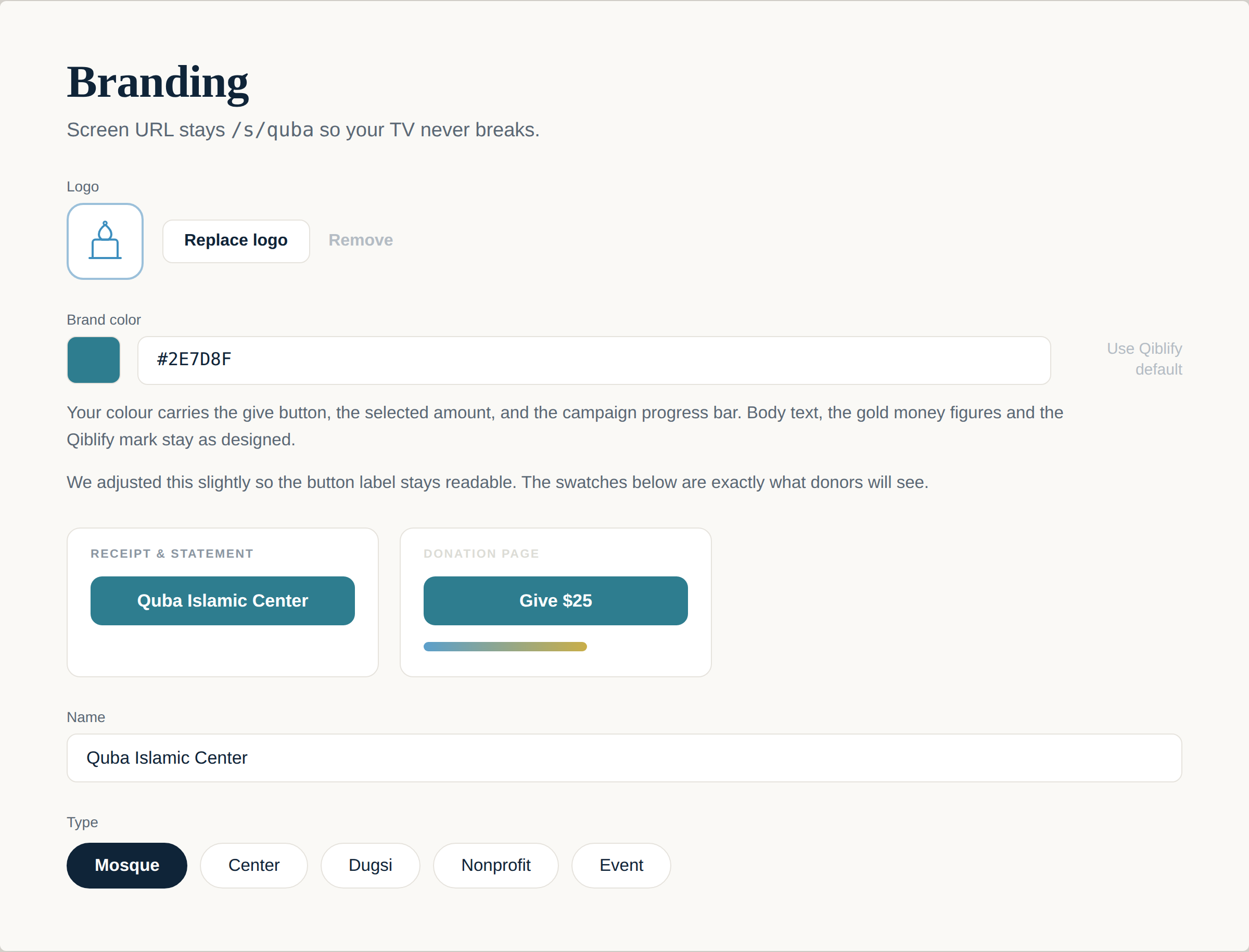
Your logo and colour, everywhere at once.
Upload a logo and pick one colour. The give button, the selected amount, and the campaign progress bar all take it — with a live preview of exactly what donors will see — while your screen's address never changes, so the TV never breaks.
Put it on the wall before Jumu’ah.
Ten minutes. The TV you already own. A screen your community will actually read.